Web Design › WordPress Development

WordPress Development Services in Kochi — Websites Built to Load Fast, Rank Well, and Convert

We build and manage WordPress websites that are fast, secure, and structured for SEO from day one — not templates with your logo dropped in.

A WordPress site with twenty unnecessary plugins isn’t flexible — it’s slow, insecure, and one update away from breaking. That’s the story behind half the WordPress sites we’re asked to fix. Fourart’s WordPress development services in Kochi build custom, optimised sites on a stack we actually maintain — not a purchased theme wired to twenty plugins that fight each other on every page load.

10+Years building WordPress sites
150+WordPress projects delivered
<2sAverage load time achieved
15+Industries served
WordPress development services in Kochi — custom theme code and admin dashboard

Is Your WordPress Site Helping or Hurting Your Business?

A three-second delay in page load can cost you a large share of visitors before they’ve read a word about you. And most WordPress sites we audit are pushing well past that on mobile. Plugins solve problems one at a time and then create a new one together — sites with too many rarely load fast or stay secure. Add a purchased theme carrying features you’ll never use, and the CMS meant to give you control ends up costing you customers. That’s exactly what proper WordPress development fixes — and it’s where a real WordPress development company in Kochi earns its keep.

What is WordPress Development — And Why Does It Still Make Sense in 2026?

WordPress development is the work of building a site on WordPress the right way — a custom theme coded around your brand, only the plugins you actually need, a database structured for how your team edits content, and a hosting setup tuned for speed. It’s not installing a $59 theme, filling in the demo content, and calling it a website. Done properly, WordPress development gives you a CMS your team can update in minutes without a developer on standby. A clinic in Panampilly Nagar needs to update doctor bios and clinic timings every week — a properly built WordPress backend lets their front desk do that from a phone, not by emailing a freelancer at 9pm.

Custom WordPress Development vs Template-Based Sites

  Custom WordPress Development Template-Based Website
Design Built around your brand and content Generic layout, logo swapped in
Performance Optimised code, minimal plugin bloat Often slow, bundled unused features
SEO foundation Structured for crawlability from the start Frequently missing basic technical SEO
Editability Custom fields built for your workflow Rigid sections that don’t match how you work
Best for Businesses that need it to perform Very simple, low-traffic placeholder sites

If your website needs to actually generate business, the foundation matters more than how it looks on day one. WordPress development is what turns a CMS into a business tool — and it’s the same platform we use across most sites Fourart builds for clients in Kerala and the Gulf.

Responsive WordPress website across desktop, tablet and mobile

Which Businesses Need WordPress Development?

If your team needs to update content without calling a developer every time, WordPress gives you that control without sacrificing performance — but only when it’s built properly. Here are the businesses we most often build for.

WordPress development services in Kochi give your team that control without sacrificing speed — the same reason most of the sites in our portfolio run on WordPress under the hood.

What’s Included in Fourart’s WordPress Development Services

Not a theme with your logo on it — here’s exactly what we build, and what you actually get delivered.

1. Custom Theme Development

A theme designed and coded around your brand, your content structure, and the way your team actually works — not a purchased template retrofitted to fit. Our WordPress developers in Kochi build the theme in-house, so everything from the header to the footer is code you own, not licensed layout you rent.

2. Plugin Strategy & Optimisation

We pick only the plugins your site actually needs — usually 8 to 12, not 30. Every unnecessary plugin is a potential security hole and a few more milliseconds of load time. Where a plugin is bloated for the one feature you use, we write a small custom function instead. Fewer moving parts, fewer things that break on the next WordPress core update.

3. WooCommerce Setup (where needed)

Product catalogues, GST-compliant tax rules, Razorpay and Cashfree gateways, and checkout flows built for conversion — not the default WooCommerce experience. For the full picture of what we build on WordPress commerce, see our ecommerce website development in Kochi service.

4. Site Speed & Security

LiteSpeed cache or WP Rocket configured properly (not just installed), image compression via ShortPixel or WebP conversion, a hardened login with Wordfence or Sucuri, and a scheduled backup routine to remote storage. Core, theme, and plugin updates handled on staging before they touch production.

5. SEO-Ready Structure & AEO Readiness

Clean URL structure, Rank Math or Yoast configured (not just switched on), schema markup templates for every content type, XML sitemap submitted to Search Console, and Core Web Vitals sorted before launch. The same foundation that helps Google rank your pages helps AI search tools like ChatGPT and Perplexity read your site correctly — and it plugs into the wider technical SEO services in Kochi work our team runs after launch.

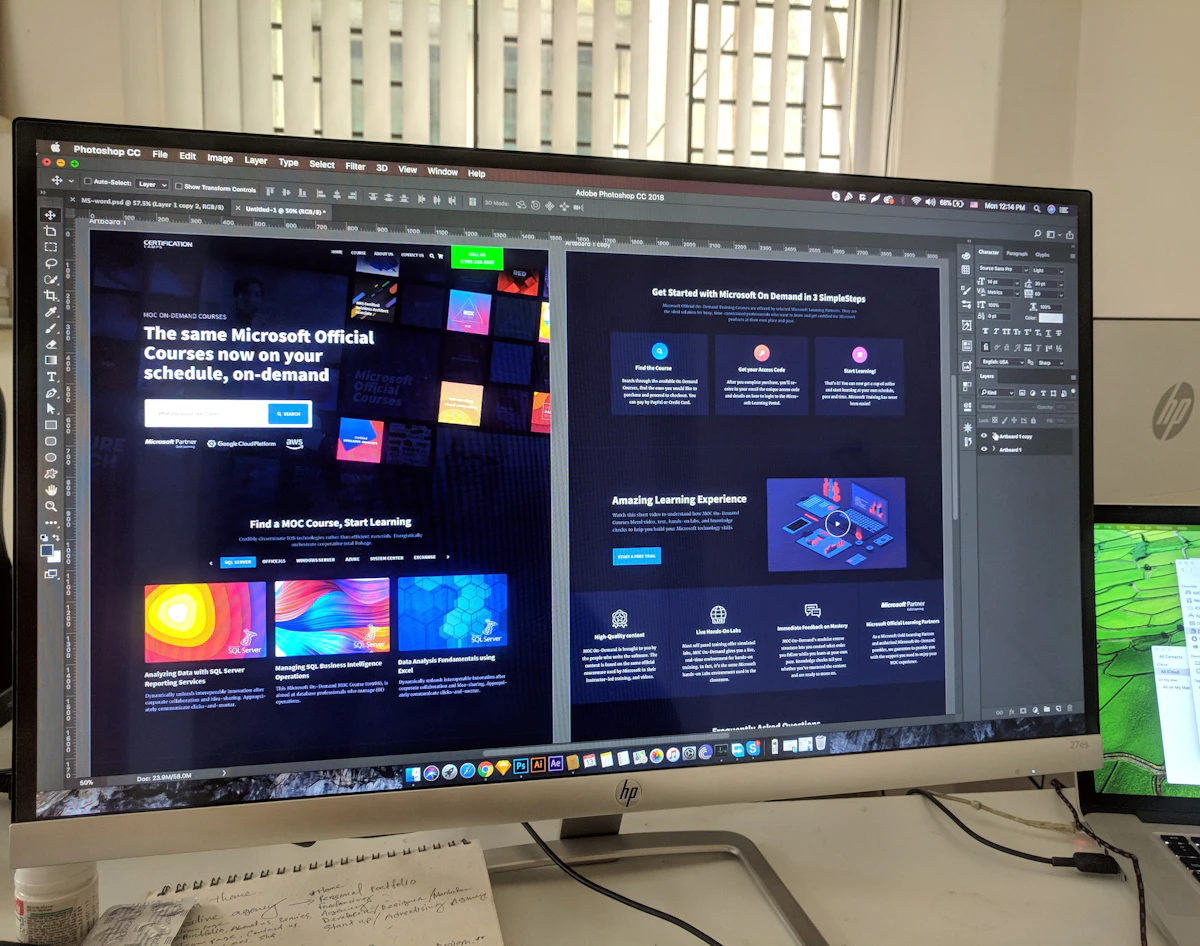
Responsive WordPress website mockup — desktop and mobile view built by Fourart

What Actually Makes a WordPress Site Fast — or Slow?

Three things decide whether a WordPress site loads in under two seconds or in six.

Fourart handles all three together — we recommend the right host (usually Cloudways, Hostinger Business, or a LiteSpeed-based provider), keep the plugin count lean by design, and set up automatic image compression so your content team never has to think about it.

A fast WordPress site isn’t an accident — it’s the result of deliberate choices during development.

How Fourart’s WordPress Development Process Works

Four stages, one team, no handoffs to freelancers you’ve never met.

Step 1 — Discovery & Planning

We map your content needs, growth plans, and how the site will actually be managed after launch — who edits what, how often, and from which device. That decides the CMS structure.

Step 2 — Design & Structure

Wireframes and design built around user journey and conversion goals, signed off before any code is written. Design handled by our web design company Kochi team.

Step 3 — Development & Build

Custom theme development, plugin integration, content migration from your existing site, and cross-browser testing on real devices — not just Chrome on a MacBook.

Step 4 — Launch, Training & Support

Site pushed live from staging with zero downtime, your team trained on the CMS via a recorded session, and an ongoing support window for the first month included by default.

How Long Does a WordPress Website Take to Build?

Timeline depends on scope, page count, and whether e-commerce is in play — but for a standard business site, here’s a realistic baseline you can plan around.

Timeframe What You Can Expect
Week 1–2 Discovery complete, sitemap and design direction approved
Week 3–5 Design finalised, custom theme development underway
Week 6–7 Content added, cross-device testing, SEO foundation checked
Week 8 Launch, CMS training, support window begins

Timelines vary by page count and WooCommerce requirements. Confirmed in writing after scoping — we don’t start work on a “we’ll see” timeline.

What Our Clients See After Working With Fourart

A retail client in Edappally moved from a purchased theme carrying 32 plugins to a custom Fourart build with 11. Mobile load time dropped from 5.8 seconds to 1.7. Organic sessions climbed 68% in the first quarter after launch, and the front-desk team stopped emailing us every time a product photo needed changing. That’s the pattern we see most: faster site, cleaner admin, more control for the team that actually uses it.

Frequently Asked Questions About WordPress Development

Is WordPress still a good choice for a business website in 2026?

Yes — and for most Kochi businesses, it’s still the strongest all-round choice. It runs a large share of the web, has the deepest plugin and hosting ecosystem, and gives your team ownership of the site instead of renting it from a platform. The catch is that it has to be built properly. A badly built WordPress site is worse than no WordPress site at all.

What’s the difference between a custom build and a template site?

A template site is a purchased theme filled with your content — you get the same layout thousands of other businesses got, plus every feature you don’t use. A custom build is coded around your brand and workflow, contains only what your site actually needs, and loads faster because there’s less to load. The upfront cost is higher; the long-term cost is usually much lower.

Can I update the website myself after it’s built?

Yes — that’s the whole point of choosing WordPress in the first place. We build custom fields and editing screens around the way your team actually works, so adding a doctor bio, a new project, or a blog post takes minutes. We also record a training session so anyone new on your team can get up to speed without a call to us.

Do you build e-commerce stores on WordPress?

Yes — we build WooCommerce stores with Razorpay, Cashfree, and international gateways, GST-compliant tax rules, and checkout flows tuned for conversion. If you’re weighing WooCommerce against Shopify, our ecommerce website development in Kochi page has the honest comparison.

Will my site be optimised for SEO from the start?

Yes. Clean URL structure, schema markup templates, Rank Math or Yoast configured properly, XML sitemap in Search Console, and Core Web Vitals green before launch. It connects into the wider local SEO services in Kochi work our team runs post-launch, if you want ongoing rankings support.

Can you migrate my existing site to WordPress?

Yes — we migrate from Wix, Squarespace, Shopify, old WordPress builds, and hand-coded HTML sites regularly. Content, URLs, and SEO equity are preserved via 301 redirects so you don’t lose Google rankings during the move. Migration is quoted separately after we see the current site.

How much does WordPress development cost in Kochi?

Cost depends on page count, custom feature scope, and whether WooCommerce is involved. A standard custom business site starts lower than a full multi-language WooCommerce build. What we don’t do is quote a vague range on a call — you get a clear scope and firm number after the first discovery conversation.

Ready for a WordPress Site That Actually Performs?

Fast to load, secure by default, easy for your team to manage — and built by developers who’ll still be around when you need a change six months from now. Free audit of your current site, no risk, no obligation.

No contracts. No jargon. Just a clear audit of where your site stands.

Related

Other Web Design & Development Agency services.

Website Development Company in Kochi — Websites Built to Convert, Not Just Impress

Web Design › Website Development Website Development Company in Kochi — Websites Built to Convert, Not…

Explore →

Ecommerce Website Development in Kochi — Built to Sell, Not Just to Launch

Web Design › Ecommerce Ecommerce Website Development in Kochi — Built to Sell, Not Just to…

Explore →
← All Web Design & Development Agency